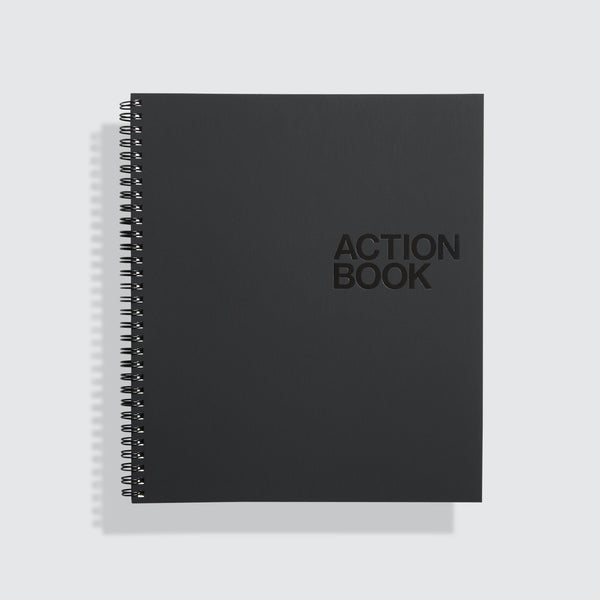
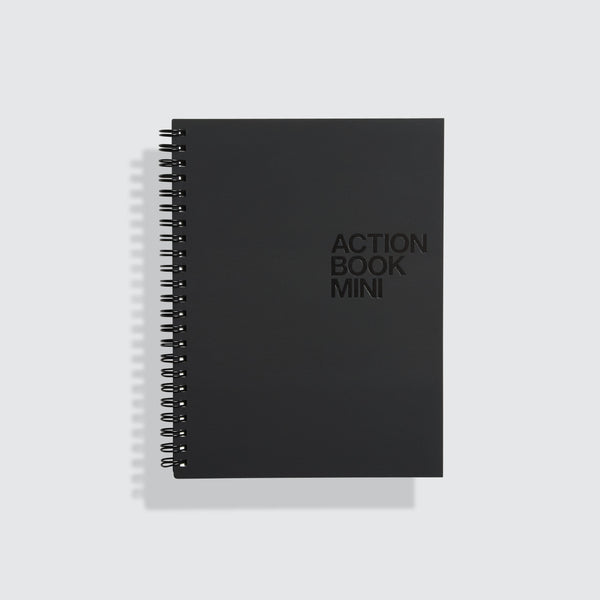








Making Ideas Happen: The Book
Ideas are worthless if you can't make them happen... Drawing on years of research and hundreds of interviews, Behance Founder and CEO Scott Belsky chronicles the methods of exceptionally productive creative leaders and teams in his new book, Making Ideas Happen, in stores April 15, 2010. Google's Ji Lee calls it, "a Swiss Army knife for ideas." And who doesn't need one of those?
For pre-orders & more information: http://the99percent.com/book
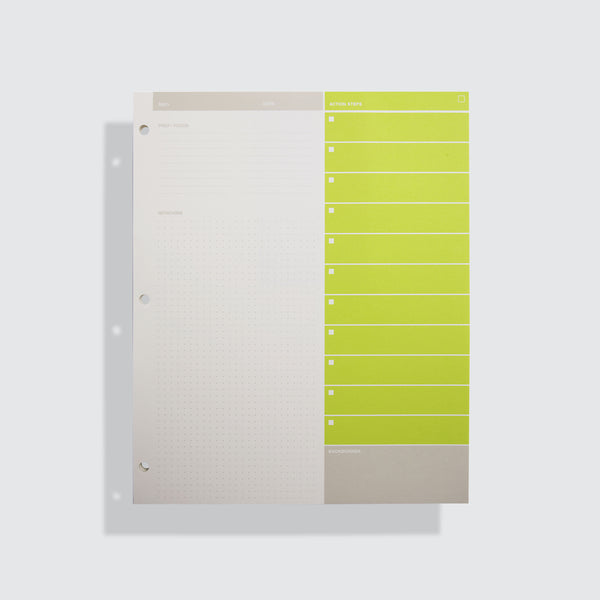
- ACTION STEPS are tasks that need to be completed. Each Action Step should start with a verb: "Call Y," "Follow up with X," "Buy a gift for Z."
- REFERENCES are notes, links, files, sketches - any information related to a project that gives context to your Action Steps.
- BACKBURNERS are the brilliant ideas that you want to come back to later, but are not yet actionable.
- DISCUSSIONS enable you to manage ongoing conversations across all of your projects with anyone that works with you. All relevant communications (shared documents, solutions to problems, feedback, decisions) are in one place.
- EVENTS are the key occasions/meetings/milestones/etc toward which you (and your team) are working. Events can be used to coordinate deadlines for Action Steps, aiding project management.
Action Steps: Creating
Action Steps: Delegating
Action Steps: Managing
Projects
Discussions
Nagging And Appreciating
It's simple: Action Steps are all the things you need to do. Think of Action Steps as anything that starts with a verb: "Call Y," "Follow up with X," "Buy a gift for Z."
The delegate feature allows you to use Action Steps to keep others accountable. Create, delegate and track progress.
Filters and dragging allow you to organize and manage your action steps by priority, due date or any system that works for you.
All of your items in Action Method Online are organized by project. A project could be a client, a specific project at work, a party you're planning -- anything.
Discussions are a way to communicate with others about a specific project. Anyone with an e-mail address can be invited to participate.
Communication is the key to action, so use the simple Nag and Appreciate features to let other users know what you have to say.
1. Create an Action Step with the click of a button.
1. When you create an Action Step you can delegate it to anyone with an email address.
2. Once an Action Step is delegated, you can monitor progress to ensure completion.
3. When someone delegates an Action Step to you, it appears in your Inbox where you can accept or reject it
1. When you check-off an Action Step (once you complete the task), it moves to "completed."
2. You can quickly view all Action Steps, or view by project or group of projects, color, target, or search term date
3. You can drag and drop to reorganize and prioritize.
1. If you are within "Action Steps," "References," "Backburners," "Discussions," or "Events" you can view each of those items by project.
1. Discussions are organized by project and can involve any number of people.
2. Discussions are fully searchable
3. With a Premium Account, you can attach files to a discussion. They appear within your post, and in this attachment list.
1. Nagging allows you to send a quick reminder to another user of Action Method Online. It's a friendly way to push projects forward.
2. The opposite of a nag! Spread the love.
TESTIMONIALS
TechCrunch
Full Post
"Behance has now debuted an excellent new product called Action Method that will appeal to creative and non-creative individuals alike who wish to organize and collaborate on projects more effectively. "
Cool Hunting
Full Post
"...As to be expected from Behance, the online app is designed with a focus on simplicity and much of the functionality is intuitive...Personally, I've found it to be extremely useful for managing longterm projects as well as day-to-day projects. "
LifeDev
Full Post
"I can tell you right now that in terms of a project management application, the Action Method completely raises the bar. It's head and shoulders above the likes of Basecamp or any other collaboration applications. Why? Because it's a total project manager... "